Your daily routines. Right where you are.
Zeli puts your daily routines on your home screen — scroll, switch lists, reset. No app opens needed.

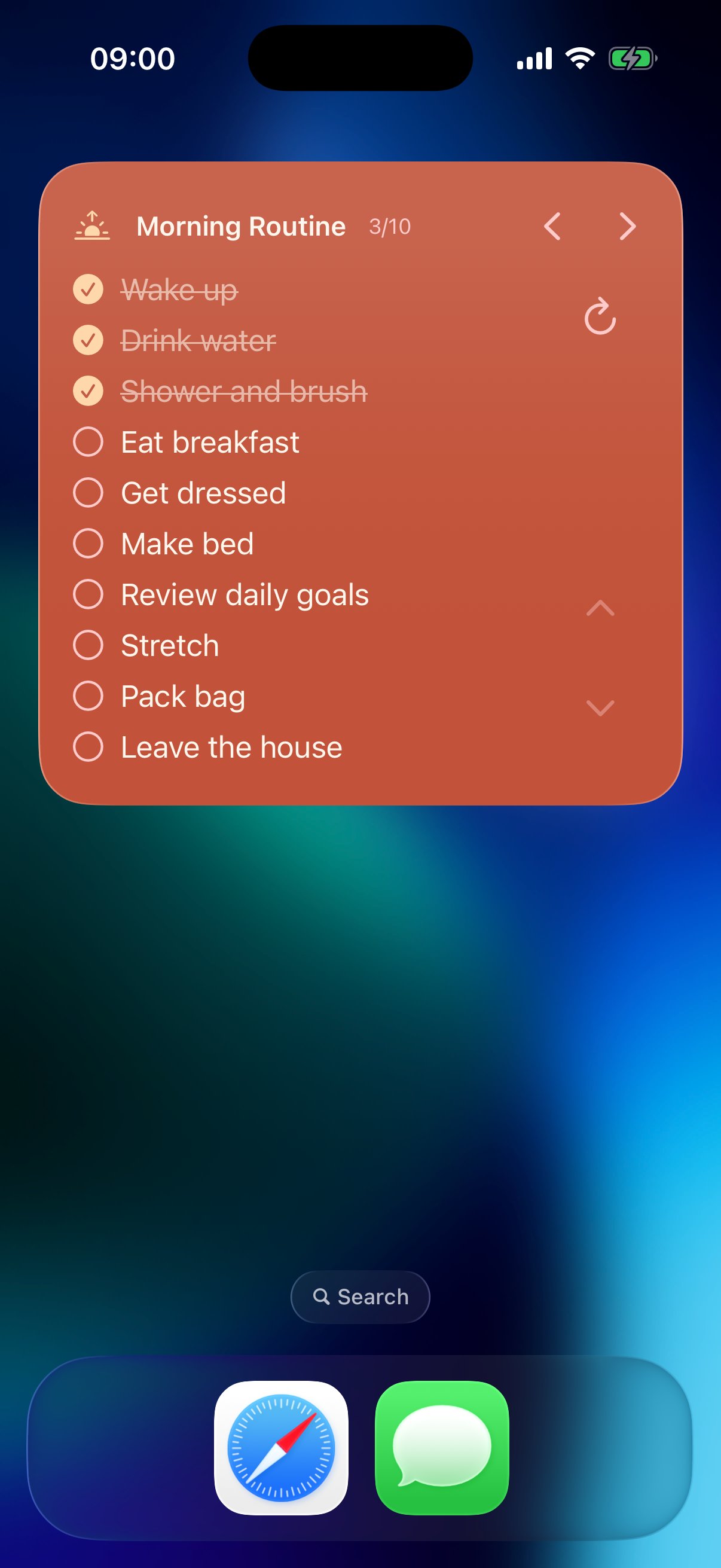
The widget that actually does things.
Every other app gives you a read-only widget. Zeli's widget is fully interactive — straight from your home screen.
Scroll Your Tasks
Swipe through your entire list right on the widget. Never open the app just to see what's next.
Switch Between Lists
Arrow controls let you jump between all your task lists instantly.
Reset to Pending
One tap resets all tasks back to pending — perfect for daily routines and recurring checklists.
“No other iOS widget lets you do this.”
See it in action.
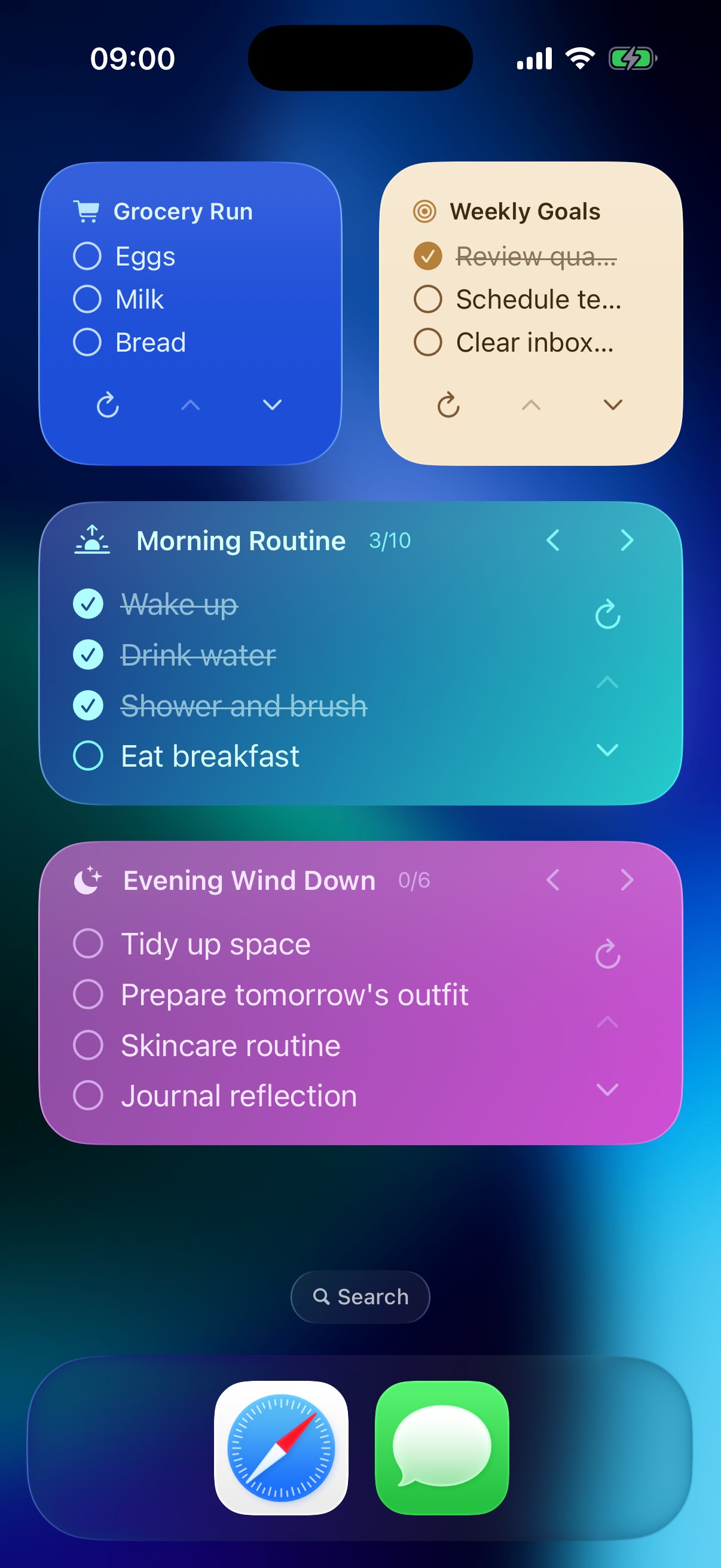
Your Lists, Front and Center
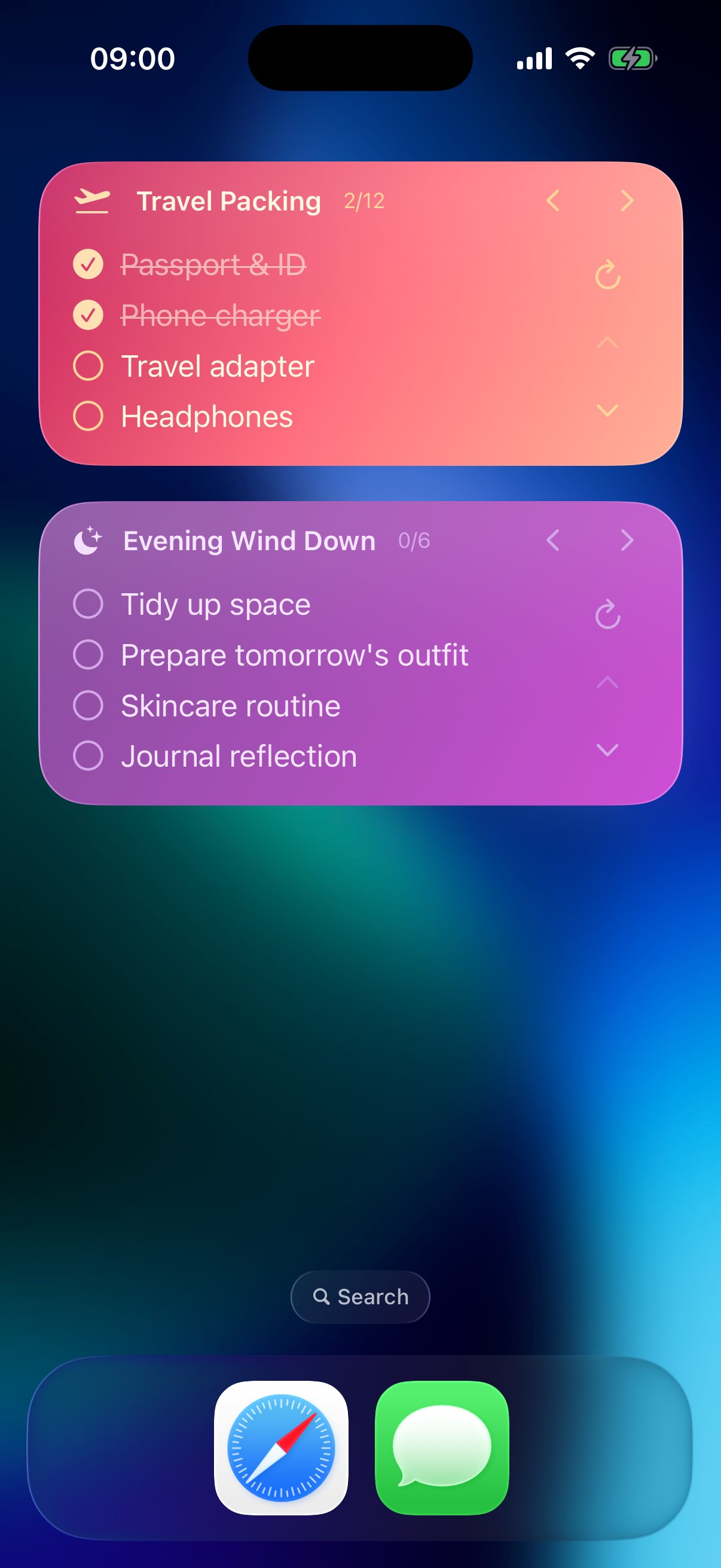
Set Once, Repeat Forever
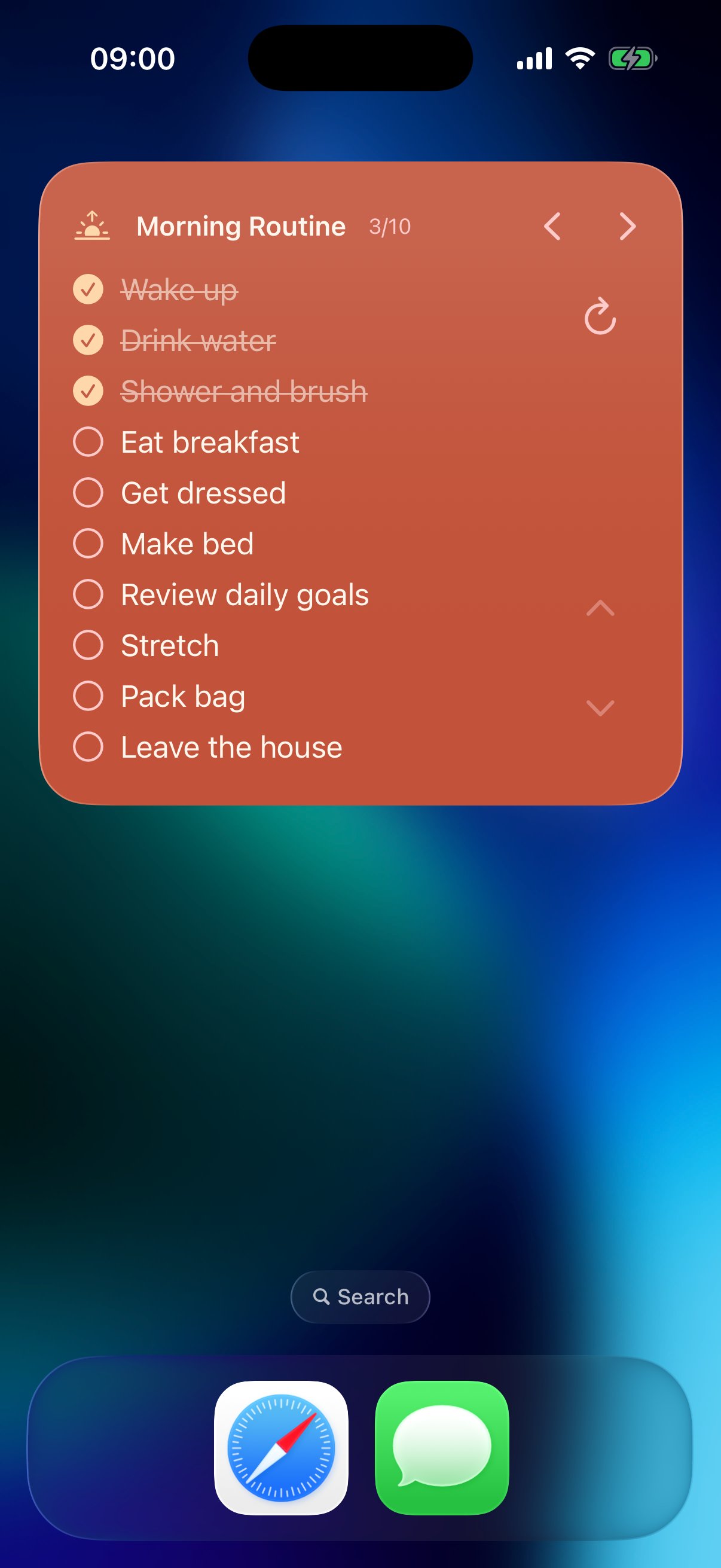
More Power, One Widget
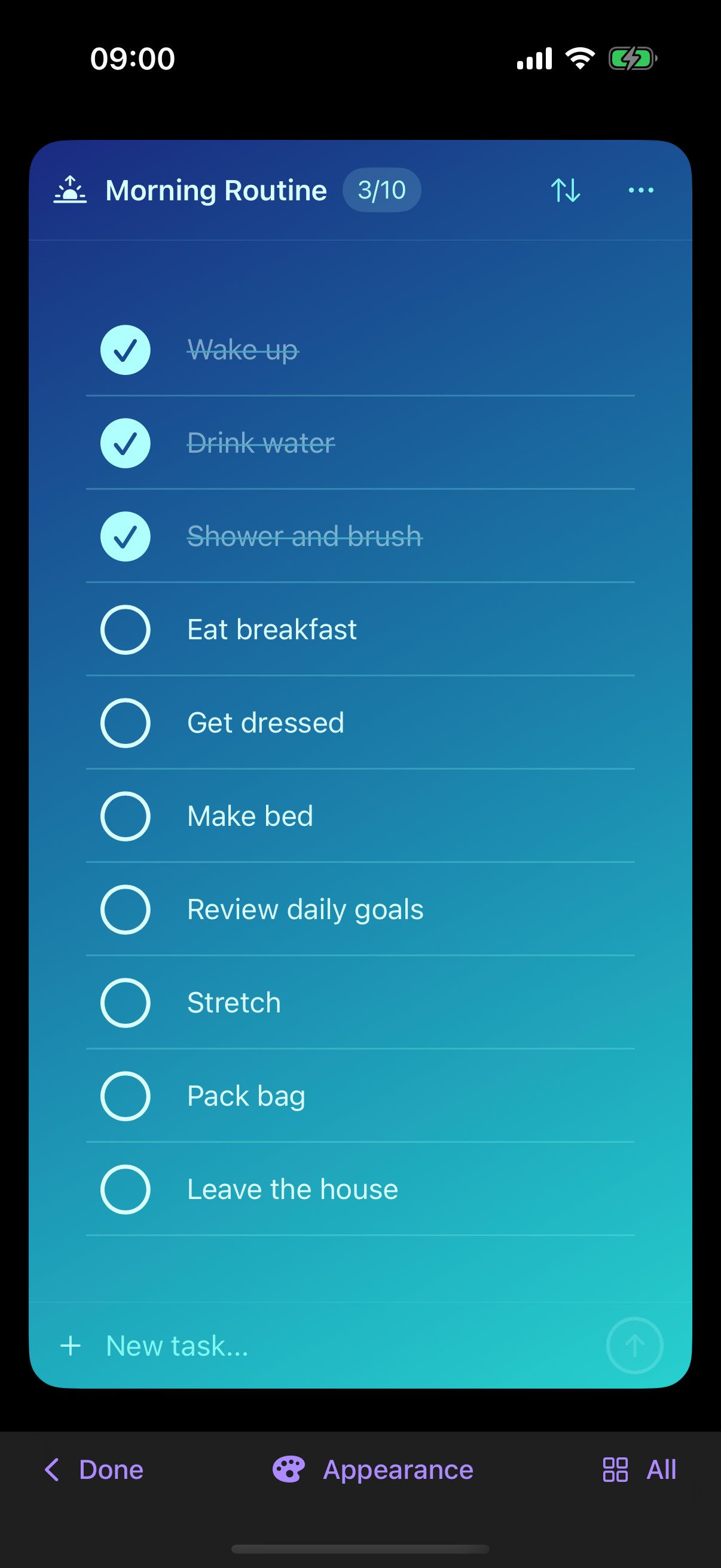
Every day starts with a list
How it works
Add your tasks in Zeli
Build lists and tasks the way you already like to work. Zeli keeps everything synced and ready for the widget.
Add the widget to your home screen
Pick the Zeli widget size that fits your layout. Your lists appear instantly alongside your apps.
Control everything without opening the app
Scroll, switch lists, and reset progress from the widget. Stay focused on what is in front of you.
Watch Zeli in 60 seconds.
Prefer watching on YouTube? Open video
Speak your language.
Zeli is fully localized in 6 languages.
By the numbers
6
Languages supported
100%
Free to try
∞
Tasks you can add
Start for free. Right now.
Download Zeli and add the widget in under 2 minutes.